NAS Cloud Computing: A Practical Storage Solution for Modern Data Needs
Author : 10petabyte 10PB | Published On : 09 Sep 2026
Managing digital information becomes more difficult as a business grows. What begins as a few folders on office computers can eventually turn into thousands of documents, project files, media assets, backups, and shared resources. When those files are spread across laptops, external drives, emails, and different cloud services, finding and managing information becomes unnecessarily complicated.
This is where NAS cloud computing can provide a more organized approach to storage.
NAS, or Network Attached Storage, has traditionally been used to provide a centralized location for files that can be accessed over a network. Cloud technology adds another layer of flexibility by making storage and data access less dependent on a single physical location.
Together, these technologies can create a practical storage environment for businesses and teams that need centralized organization, remote access, backup options, and room to grow.
Understanding NAS Cloud Computing
The basic concept behind NAS cloud computing is relatively simple.
A traditional NAS system stores files on network-connected storage hardware. Users on the network can access those files without having to keep separate copies on every computer.
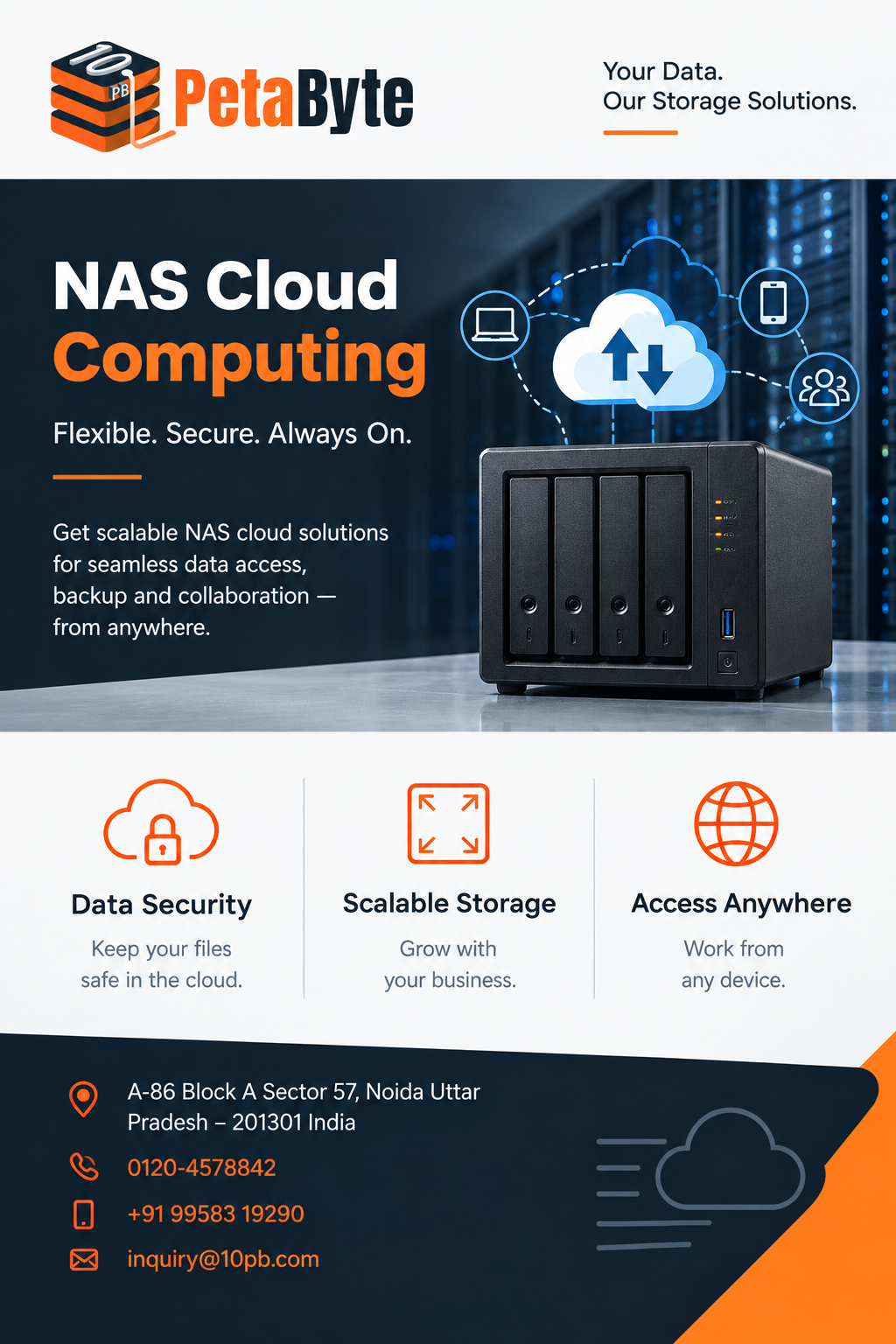
When cloud services are integrated into this model, users can gain additional flexibility. Files can be accessed remotely, data can be backed up, and storage can be designed to support changing requirements.
10PB describes NAS in cloud environments as a network-based storage system integrated with cloud services, allowing users to combine local storage performance with cloud flexibility, remote access, backup, and scalability.
This makes the concept particularly relevant for organizations whose teams are no longer working exclusively from one office.
Why Businesses Struggle With File Management
Many storage problems are caused by fragmentation rather than a lack of storage capacity.
A company may have important files stored on employee laptops, external hard drives, office servers, email attachments, and separate cloud platforms. As more information is created, this arrangement becomes harder to manage.
Employees may waste time searching for the correct version of a document. Large files may need to be transferred repeatedly. Important information may not have a consistent backup strategy.
A centralized NAS environment can address part of this problem by creating a common storage location.
Instead of maintaining multiple independent copies, teams can organize their information in one controlled environment.
Centralized Storage for Everyday Work
Centralization is one of the main reasons businesses consider NAS solutions.
When files are stored in one organized environment, employees can access shared resources without depending on another person's computer or an external storage device.
This can be useful for project documents, spreadsheets, presentations, creative assets, internal records, and other frequently accessed files.
10PB's Cloud NAS solution is designed to let users access, organize, and share files from different locations and devices while providing an experience similar to a local drive.
For everyday users, that familiar experience can make cloud-connected storage easier to adopt.
Remote Access for Distributed Teams
Modern teams often work across multiple locations.
An employee might work from home, visit a customer, travel between offices, or collaborate with colleagues in another city. If important files are available only through a local network, these workflows can become inconvenient.
NAS cloud computing can help extend access beyond the traditional office environment.
Authorized users can access required information remotely when the solution and network configuration support it. This makes cloud-connected storage particularly relevant to distributed teams.
At the same time, remote access should always be combined with appropriate authentication, permissions, and security controls. Making data accessible does not mean making every file available to every user.
Backup Is an Important Part of Storage
Storage and backup should not be treated as exactly the same thing.
A centralized storage system can make files easier to access, but businesses still need to think about what happens if information is accidentally deleted, hardware fails, or an unexpected event affects normal operations.
Backup provides a separate layer of protection.
The 10PB Cloud NAS page highlights backup and disaster recovery as part of the comparison between traditional NAS, Cloud NAS, and public cloud storage.
A sensible storage strategy should therefore consider both everyday access and recovery requirements.
Comparing Traditional NAS With Cloud NAS
Traditional NAS can work well for organizations where users mainly operate from a single location. It can provide strong local performance and centralized file access.
However, businesses with remote employees may require greater flexibility.
Cloud NAS can combine local and remote access with cloud-oriented backup capabilities. Public cloud storage provides another model, particularly for organizations that prioritize cloud-only access and minimal physical infrastructure.
There is no universal winner.
The right approach depends on how a business works, where its users are located, how much data it generates, and what level of control it needs.
Storage That Can Grow With the Business
Data rarely becomes smaller as an organization expands.
New customers, projects, employees, media files, documents, and backups can continuously increase storage requirements. A solution that works today may not be suitable several years from now.
Scalability therefore matters when evaluating storage infrastructure.
NAS cloud computing provides a way to think about storage beyond the capacity of one physical device. Cloud flexibility can help organizations plan for changing data requirements without completely redesigning their storage environment.
This can be especially useful for small and medium-sized teams that want a practical storage strategy without unnecessary complexity.
Making Storage Easier for Users
A technically advanced storage system is not automatically a good business solution.
Employees need to understand where files should be stored, how they can access them, and how information can be shared. If basic operations require complicated procedures, adoption can become difficult.
A user-friendly storage environment can make a significant difference.
10PB positions its Cloud NAS offering around centralized files, individual and team sharing, access and data protection, scalable storage, and predictable pricing.
These practical features can matter just as much as technical specifications when selecting a storage platform.
What Should Businesses Consider?
Before selecting a NAS cloud solution, organizations should evaluate several factors.
Number of users: A single-user setup will have very different requirements from a growing team.
Data volume: Current storage needs and expected future growth should both be considered.
Remote access: Businesses with distributed employees may place greater importance on cloud-based accessibility.
Backup: Critical files should have an appropriate backup and recovery strategy.
Permissions: Users should have access based on their actual responsibilities.
Ease of management: Smaller teams may benefit from a solution that reduces unnecessary technical administration.
Thinking about these areas can help businesses choose storage based on real requirements rather than simply comparing capacity numbers.
Why NAS Cloud Computing Is Becoming Relevant
The value of NAS cloud computing comes from combining several useful storage characteristics.
Businesses can maintain centralized file organization while supporting users in different locations. They can consider remote access and backup as part of the same storage strategy. They can also plan for future growth rather than depending entirely on a fixed local storage capacity.
This makes the approach relevant to businesses that have outgrown scattered files but still want an organized file-based storage experience.
Final Thoughts
Modern businesses need storage that works with the way their teams actually operate.
Files need to be organized, accessible, shareable, and protected. At the same time, storage should be flexible enough to support future growth.
NAS cloud computing provides one practical approach by bringing network-based file storage together with cloud capabilities. It can help organizations move beyond scattered storage while supporting remote access, backup considerations, and scalability.
10PB's Cloud NAS solution focuses on centralized file management, sharing, data protection, remote accessibility, and scalable storage.
For organizations reviewing their storage strategy, the most important consideration is not simply how much data can be stored. It is how easily that data can be managed, accessed, protected, and expanded as business requirements change.
